MarkItDown Web.
Turn files into clean Markdown.
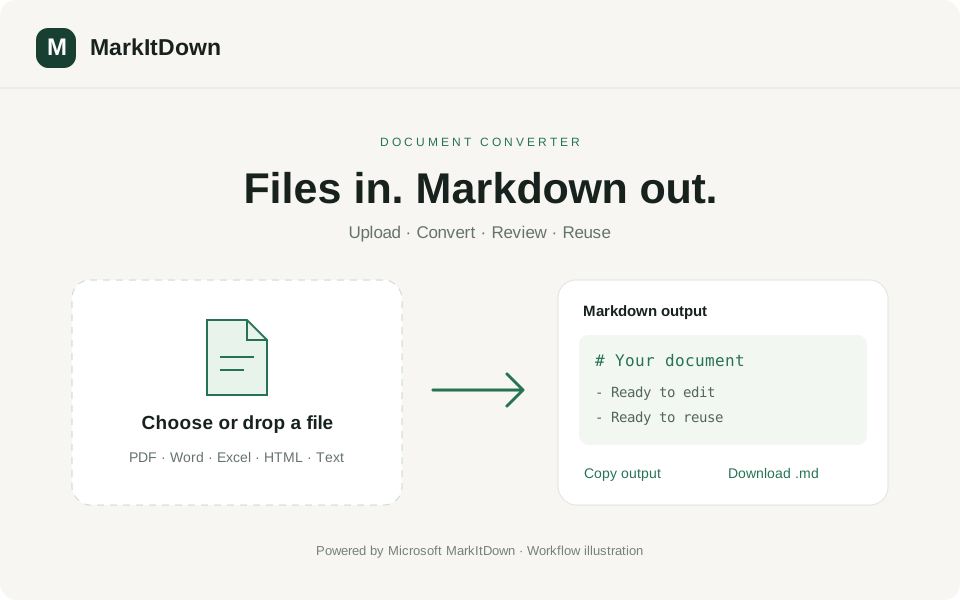
From a document to reusable Markdown in a few clicks.
A browser-based interface for Microsoft’s MarkItDown converter. Upload a document, review the Markdown output, then copy it or download a .md file for your next project.
- Drag-and-drop upload or choose a file from your device
- Markdown output with copy and download controls
- Files up to 4 MB; uploads and results are not persisted by the app
What’s inside.
File upload
Drag a file into the upload area or choose one from your device. Conversion starts automatically after selection.
Document conversion
Convert supported documents such as PDF, Word, PowerPoint, Excel, HTML, and text-based files into Markdown using Microsoft MarkItDown. Results depend on the file’s contents and supported converter.
Output preview
Review the generated Markdown text in a scrollable output panel before reusing it.
Copy & download
Copy the result to your clipboard or download it as converted.md for use in documentation, notes, or another project.
Conversion feedback
See the selected filename, conversion progress, and completion status. Empty, oversized, invalid, or unsupported files receive an error message.
Temporary processing
Files are processed for the conversion request without being saved by this app. Built-in document conversion does not require an AI or cloud API key.
Connected by design.
Use a simple browser interface instead of setting up a local conversion command.
Keep upload, output review, copying, and downloading in one focused workflow.
Make document content easier to reuse in Markdown-based notes and documentation.
Developers & writers
Bring document content into Markdown-based documentation and project notes.
Students & researchers
Convert supported study and reference documents into editable text for further work.
From start to finish.
- 01
Open the live demo to access the file converter.
- 02
Choose or drag in a supported file no larger than 4 MB.
- 03
Wait for conversion and review the generated Markdown text.
- 04
Copy the output or download converted.md, then select another file to repeat the process.
Try it for yourself.
Use the Live demo link above to open the converter directly; no sign-in is required. Start with a small, non-sensitive sample document; the app does not save uploads or conversion results. This is a web wrapper around Microsoft MarkItDown, not a separate conversion engine.
- Choose a small sample DOCX, text-based PDF, HTML, or text file.
- Check the selected filename and wait for the conversion-complete message.
- Inspect the Markdown output, including any headings, lists, and tables preserved from the source.
- Use Copy to reuse the text, or Download .md to save the result.
- Try another supported document. If conversion fails, review the error and use a valid file within the size limit.