Portal Ledger.
Clearer invoice operations, together.
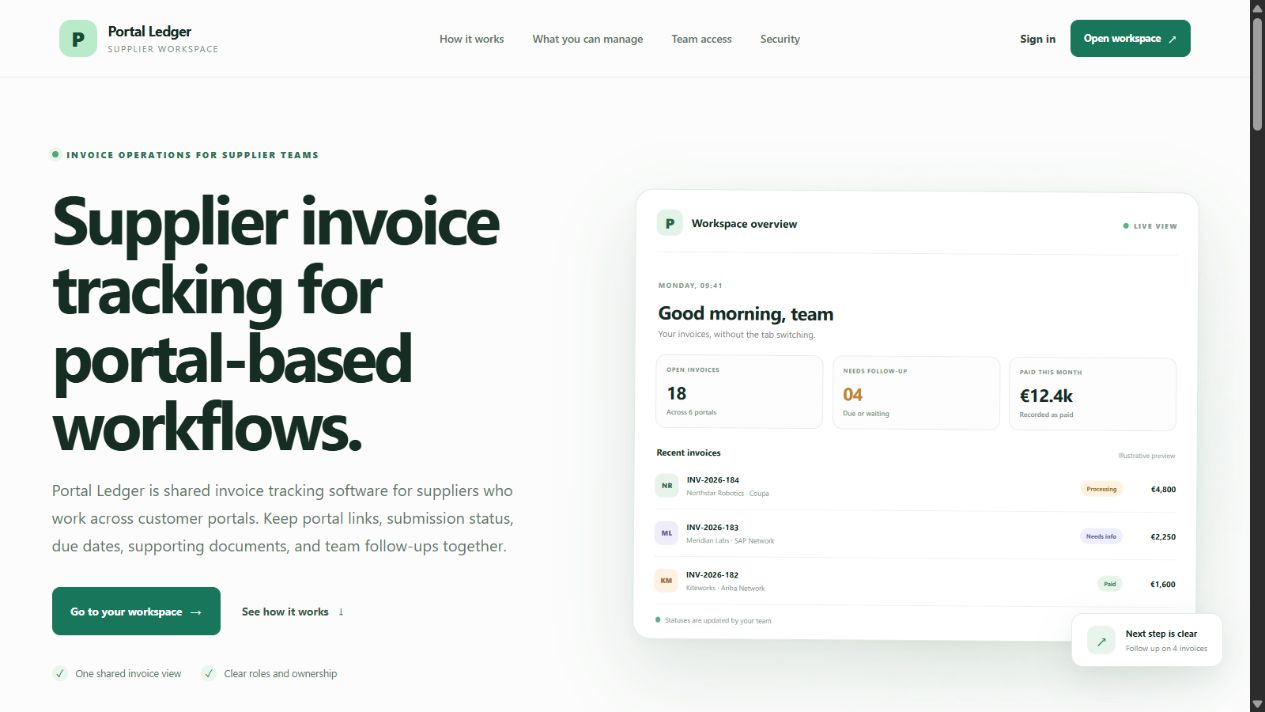
Supplier invoice tracking for portal-based workflows.
A shared workspace for supplier teams managing invoices across customer portals. Keep portal links, submission statuses, due dates, supporting documents, and team follow-ups together.
- One shared view of invoices, owners, statuses, and next actions
- Customer portal directory with payment terms and submission requirements
- Owner, admin, accountant, and viewer access levels
What’s inside.
Invoice tracking
Record invoice numbers, customers, amounts, legal entities, portal references, submission dates, due dates, notes, and responsible teammates. Filter records to find what needs attention.
Customer portal directory
Keep customer portal URLs, payment terms, and submission requirements together so the team can find the right portal quickly. Customer portal passwords stay outside the workspace.
Status & follow-ups
Track submitted, approved, processing, needs-info, rejected, and paid statuses. Set expected payment and follow-up dates, assign ownership, and leave notes for the next action.
Supporting documents
Attach PDF, PNG, or JPEG evidence to document records and open the attached file from its record when needed.
Team access
Invite teammates into a shared workspace with owner, admin, accountant, or viewer permissions. Viewers can review and export information without changing records.
Settings & activity history
The owner controls workspace settings, currency, and member roles. Important changes appear in the activity log, and existing invoices retain their recorded currency.
Connected by design.
Give the team one place to check invoice progress instead of chasing portal tabs, chats, and inbox updates.
Keep each invoice’s owner, dates, evidence, and follow-up notes connected.
Coordinate work alongside existing customer portals and accounting software without replacing them.
Supplier finance teams
Organize customer-portal invoice records, due dates, and follow-up responsibilities.
Accountants & operations teams
Maintain invoice and document records while keeping teammates informed.
Workspace owners & reviewers
Manage access and settings or review records with read-only permissions.
From start to finish.
- 01
An owner or administrator invites teammates into the workspace with appropriate roles.
- 02
Add customer portal URLs, payment terms, and submission requirements to the directory.
- 03
Record an invoice with its customer, amount, legal entity, dates, portal, and responsible teammate.
- 04
Submit the invoice in the customer’s portal separately, then record its reference and update the status in Portal Ledger.
- 05
Attach supporting documents, track follow-up dates, and record the invoice as paid once payment is confirmed outside the app.
Try it for yourself.
The Live demo link above opens the public product overview, including an illustrative workspace preview. The operational workspace requires sign-in and an invitation from its owner or administrator; there is no public demo account listed on the sign-in page. Portal Ledger does not submit invoices, move money, or replace accounting software.
- Explore the public overview, workflow, modules, team roles, and common questions.
- For a workspace walkthrough, request invited access from the workspace owner or administrator and sign in.
- With access, review the customer portal directory and an existing invoice’s owner, dates, status, and notes.
- Explore attached documents, follow-up dates, and the activity history available to your role.
- Use prepared sample records for demonstrations; record changes only when you have permission to edit the workspace.